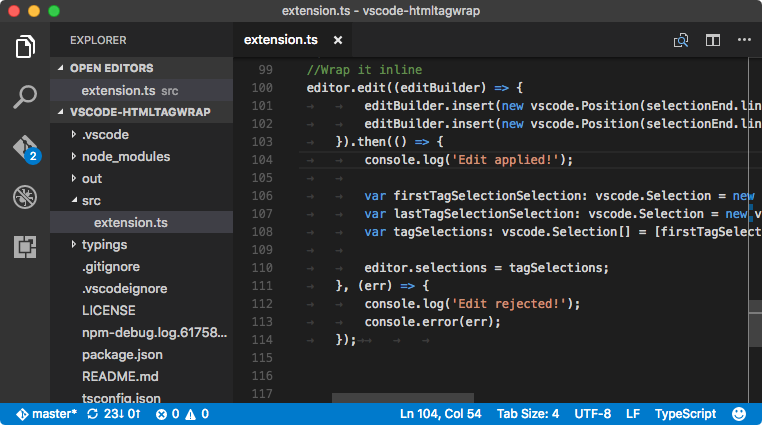
Workflow01
Overhauling document management
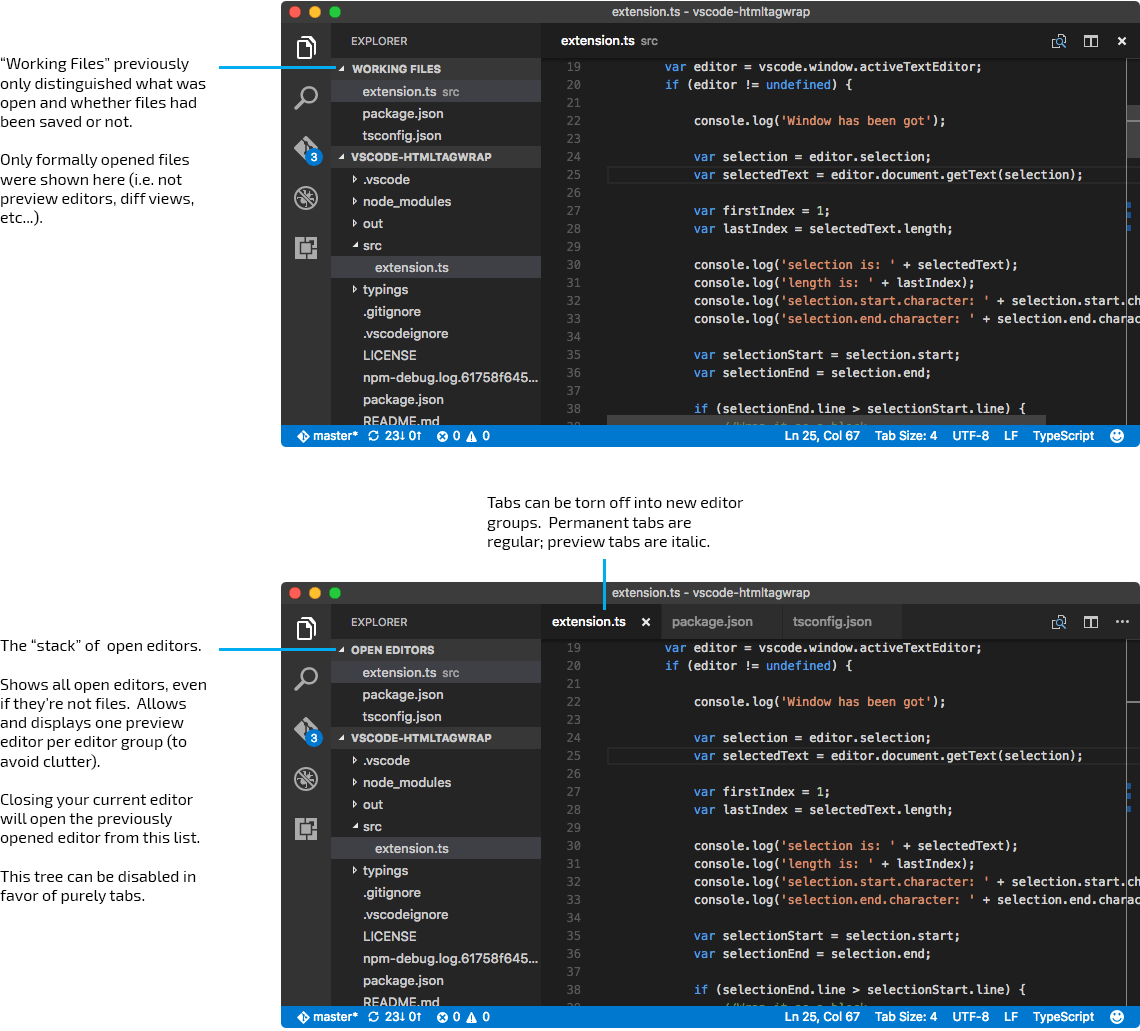
Reworked tabs, open editors, and file affordances so multi-file work felt legible instead of noisy.
Portfolio
Growth Through Product UX
At Microsoft, I worked on product and growth UX during a key stretch of adoption. The work ranged from document management and customization to website clarity, conversion, and accessibility.
Company
Microsoft
Focus
Product UX, growth, accessibility
Stage
Early scale-up to mass adoption
Why it mattered
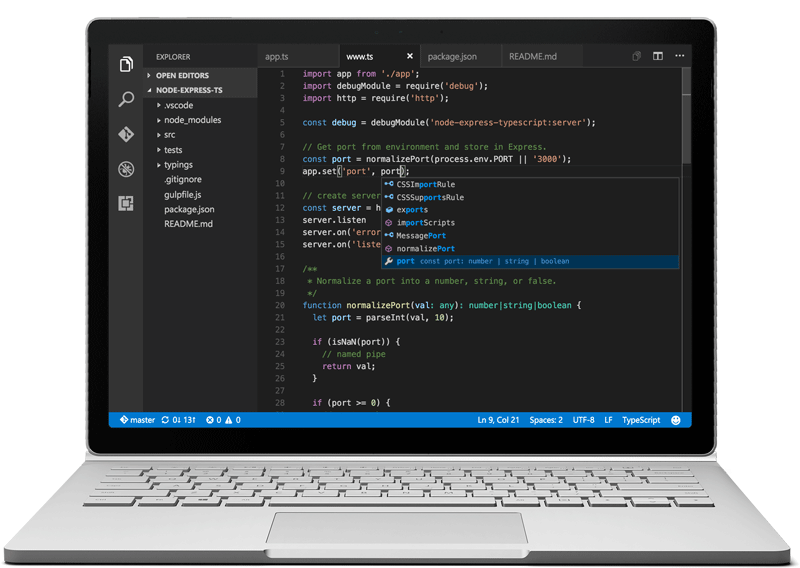
Developer tools earn trust through thousands of tiny moments. The design challenge was to make power feel approachable without flattening what experts needed.
Chapter Map
The strongest work was not one launch. It was a set of connected decisions that made the editor easier to understand, easier to tune, and easier to choose.
Reworked tabs, open editors, and file affordances so multi-file work felt legible instead of noisy.
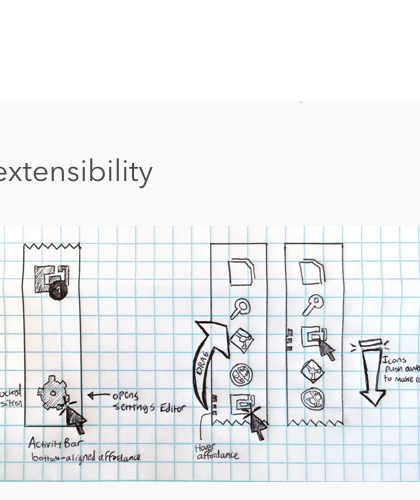
Created room for theming, settings, and extensions to feel native to the editor rather than layered on top.
Improved the website and product story so more developers could understand, trust, and adopt VS Code.
Workflow
Developers live in many files at once. The challenge was to make tabs, open editors, naming, and file state feel immediately legible without making the editor noisy.
What the product was telling us
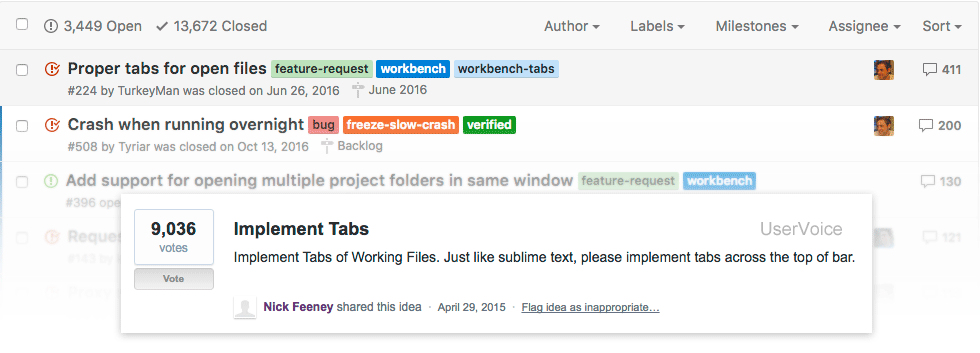
Motion study
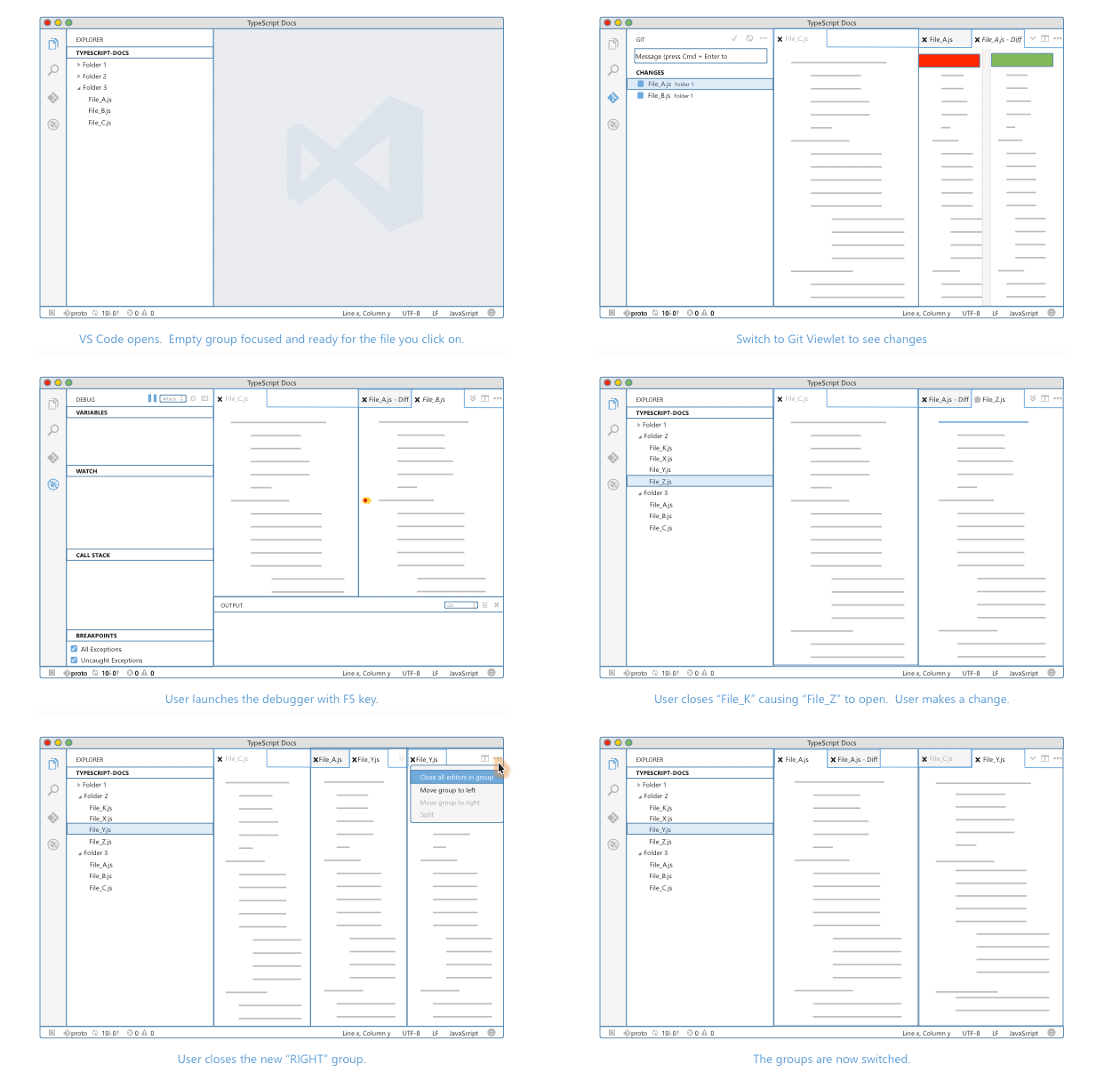
Information structure

Power user
I want the editor to stay out of my way, but I still need strong affordances when I am moving quickly through a lot of files.

New adopter
If the structure is unclear or a control is too hidden, I lose confidence fast and start wondering whether the tool is for me.
Platform
VS Code becomes valuable when it starts feeling personal. The design work had to make settings, theming, and extensions discoverable while keeping the shell calm and coherent.
Constraints
Design themes
Growth
The editor also needed a stronger front door. That meant making the website clearer, the value proposition sharper, and the path from curiosity to download more trustworthy and inclusive.
Focus areas
Product story